Download Joker123 for Android and iPhone
Joker123 is phone-only, and its fish shooting games are the heaviest thing in the app. What your phone needs, what installing involves, and how to get a link.
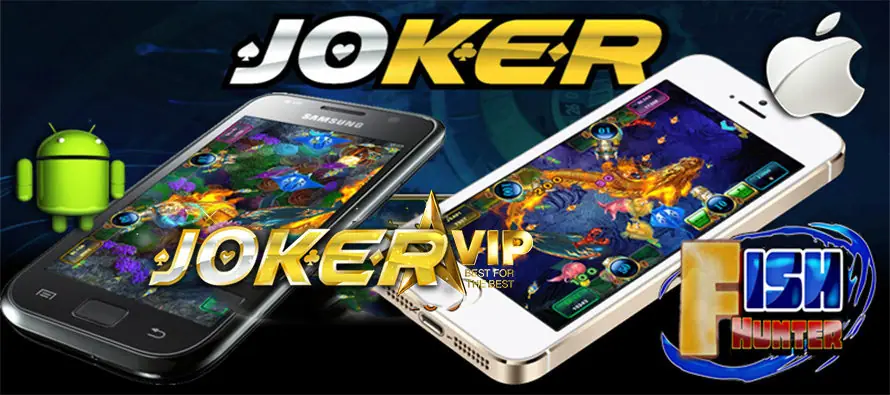
Joker123 is a phone app and nothing else. The 2018 download page listed exactly two builds, one for iPhone and one Android APK. Unlike LPE88 or NTC33, there was no Windows client and no web version.
We no longer host or link Joker123 files. The old ones sat in a storage bucket that has since been cleared, and an app from an unknown source is not worth installing on the phone you bank with. What follows is what existed and what to expect.
Two builds, per the old page
- iOS for iPhone, installed through an enterprise link, not the App Store
- Android APK, installed from outside Google Play
Both open the same lobby: slots, the Fish Hunter rooms, Super Derby racing and the software-dealt tables.
The fish games decide what phone you need
Most slots in Joker123 are light. The fish shooting games are not. A Fish Hunter room fills the screen with dozens of moving fish, cannons firing from several seats and other players' shots synced in real time.
On an older or low-memory phone that shows up as dropped frames and delayed hits. In a game where every shot costs GP, lag is not only annoying. You can keep firing while the screen catches up. A few habits help:
- close other apps before opening a fish room
- play fish games on Wi-Fi rather than a weak mobile signal
- keep some free storage, since new games may need to load extra files
- start at the smallest cannon value until you know how your phone copes
What installing involves
iPhone. Joker123 is signed with an enterprise certificate. iOS blocks it as an "Untrusted Enterprise Developer" until you trust the profile under Settings > General > Device Management. Only do that for an app you got from someone you trust. If the certificate is revoked later, the app stops opening and you need a fresh link.
Android. Allow installs from the browser or file manager that opened the APK, install it, then turn that permission off again.
Getting a current link and a game ID
The Joker123 app opens to a login screen, and there is no sign-up option inside it. Agents create the ID, set the GP balance and handle withdrawals. Get a Joker123 game ID and download link from our partner, and ask how GP converts to ringgit on your account while you are at it.
Once logged in, check that your GP balance shows in the header and that a fish room loads without stutter before you top up anything.
For a tour of the lobby, including the Fish Hunter room picker and the Super Derby betting board, read our Joker123 guide.
Questions players ask
Can I play Joker123 on a computer?
The 2018 download page only listed an iPhone app and an Android APK. There was no Windows or Mac build.
Why does Fish Hunter lag on my phone?
Fish rooms draw a lot of moving sprites and sync with other players in real time. Close other apps, use Wi-Fi and lower the in-game sound and effects if the game offers it.
Is the Joker123 app free?
The app itself costs nothing, but it is useless without a game ID, which is issued by an agent. Balances are shown in GP, so ask how GP converts to RM.
Check-in desk
Want to try it yourself? Get a game ID through our partner link, then set a spending limit before the first spin.